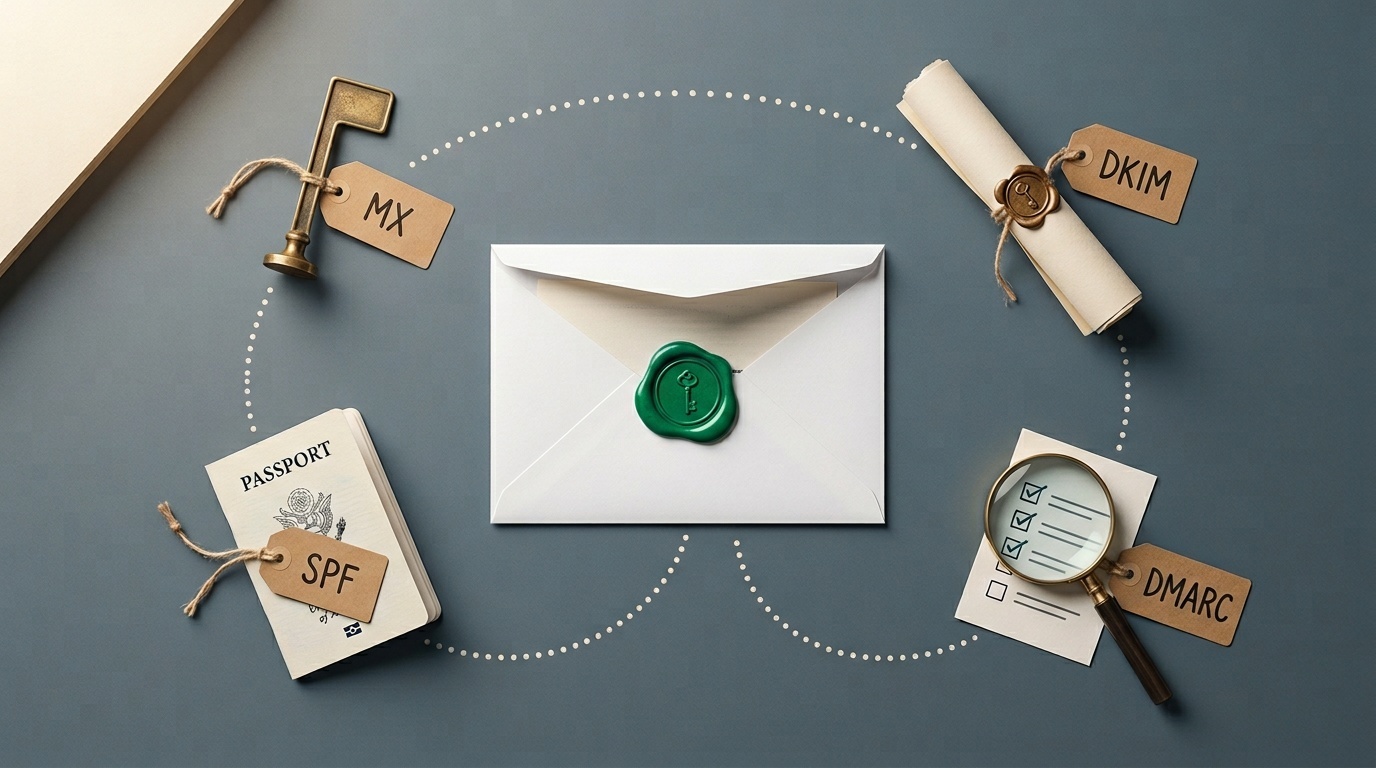
Why your emails land in spam even with SPF, DKIM and DMARC passing
Authentication proves you are allowed to send. It does not prove recipients want the mail.
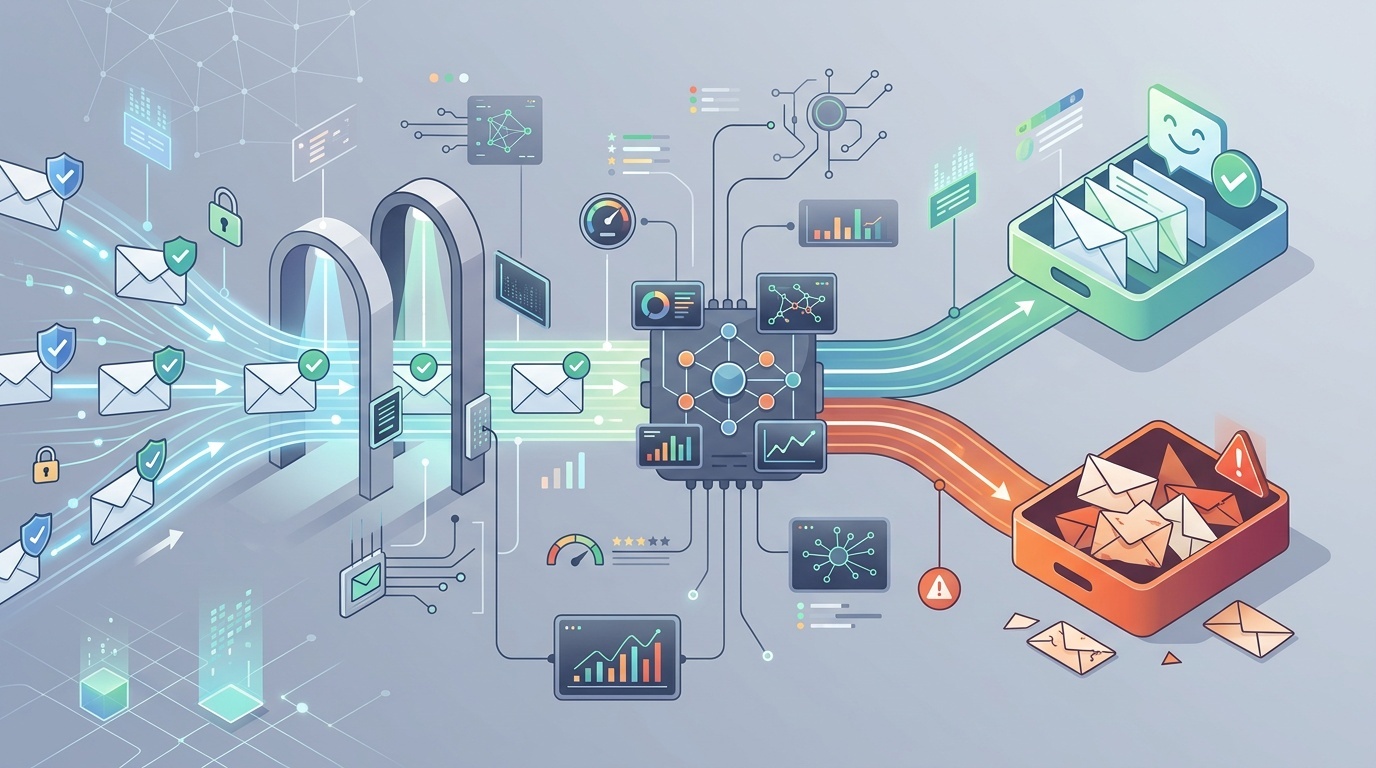
Table of contents
- Passing authentication is the starting line, not the finish line
- What SPF, DKIM and DMARC really prove
- The biggest reason: reputation
- Your list may be the problem
- Passing DMARC may still mean weak alignment
- Content still matters, but not in the old way
- Sending patterns can look suspicious
- Unsubscribe handling is now a deliverability feature
- Your infrastructure may be noisy
- How to diagnose the problem without flailing
- A sober deliverability checklist
Passing authentication is the starting line, not the finish line
It is frustrating to do the responsible thing — configure SPF, DKIM and DMARC correctly — and still see your emails land in spam.
The confusion usually comes from treating authentication as a deliverability guarantee. It is not. SPF, DKIM and DMARC answer a narrower question: is this server allowed to send for this domain, and does the visible sender align with the authenticated identity?
That matters. Without authentication, modern mailbox providers are right to distrust you. But once you pass those checks, Gmail, Outlook, Yahoo and corporate filters still have to decide whether the message is wanted, safe and relevant. That decision depends on sender reputation, recipient behavior, content, infrastructure, complaints, list quality and sending patterns.
If you need a refresher on what the records actually do, start with our developer-friendly guide to MX, SPF, DKIM and DMARC. This article assumes those records are passing and focuses on the next layer: why mail still gets filtered.
What SPF, DKIM and DMARC really prove
SPF checks whether the sending mail server is authorized by the domain in the return-path. DKIM checks whether the message was cryptographically signed by a domain and whether the signed parts of the message were not altered. DMARC checks whether SPF or DKIM passes in a way that aligns with the visible From domain.
That combination helps stop spoofing. It does not say:
- the sender has a good reputation;
- recipients asked for the message;
- the content is useful;
- the links are safe;
- the sending volume is normal;
- the domain has a clean history;
- the message is not part of a low-quality campaign.
Think of authentication like a passport. It verifies identity. Border control can still ask where you are going, what you are carrying and whether you have caused trouble before.
The biggest reason: reputation
Mailbox providers score senders continuously. They do not publish the full scoring model, for obvious reasons, but the broad signals are well understood.
Domain reputation and IP reputation both matter. A new domain with perfect DKIM can still look risky. An old domain that suddenly starts sending 80,000 promotional emails after years of sending only invoices will also look risky. A shared sending IP with abusive neighbors can hurt, though major email service providers work hard to manage that.
Reputation is affected by:
- spam complaints;
- hard bounces;
- sending to old or abandoned addresses;
- sudden volume spikes;
- low opens or ignored messages;
- messages deleted without reading;
- links to suspicious or newly registered domains;
- past phishing or malware incidents;
- inconsistent sending identity.
The uncomfortable truth: reputation is earned slowly and lost quickly. Authentication keeps you eligible for trust. It does not create trust by itself.
Your list may be the problem
Many spam-folder problems are list-quality problems disguised as DNS problems.
If a list was scraped, purchased, inherited from an old CRM, assembled from event scans, or built through vague consent, it will usually perform badly. Even if the first campaign does not trigger obvious complaints, mailbox providers can see the pattern: many recipients do not engage, some mark as spam, and some addresses bounce.
Good lists have boring origins. People signed up deliberately. They knew what they were signing up for. The first email arrived soon enough that they remembered doing it. Unsubscribing is easy.
Watch for these list warning signs:
- high bounce rate, especially on the first send;
- many role accounts such as info@, sales@ and admin@;
- addresses collected years ago but rarely contacted;
- subscribers from countries or industries you do not serve;
- unusually low click or reply rates;
- spam complaints above provider thresholds.
For B2B teams, contact forms can also poison email flows. If your forms allow automated abuse, your domain may start sending junk notifications, fake leads or backscatter. We covered that risk in why your contact form is your biggest spam liability. Form spam is not just a nuisance; it can become a reputation issue.
Passing DMARC may still mean weak alignment
A message can “pass DMARC” while still being operationally messy.
For example, your visible From address may be [email protected], DKIM may pass for mailer.example.net, and SPF may pass for a bounce domain controlled by your email provider. Depending on alignment settings and provider configuration, this can be technically acceptable. But a clean setup usually signs with your domain or a clearly related subdomain.
Check:
- DKIM d= domain: does it match or align with your From domain?
- return-path domain: is it yours or your provider’s?
- DMARC policy: are you still at
p=noneyears later? - subdomain policy: are forgotten subdomains unprotected?
- forwarding behavior: are forwarded messages breaking SPF but surviving via DKIM?
Strict alignment is not mandatory for every sender, but identity should be coherent. If humans and filters both see a tangle of unrelated domains, trust suffers.
Content still matters, but not in the old way
There was a time when deliverability advice obsessed over words like “free”, “guarantee” or “act now”. That advice is now too simplistic. Modern filters look at message context, sender history, link reputation, HTML structure, user behavior and many other signals.
Still, content can hurt you.
Common problems include:
- link shorteners that obscure the destination;
- mismatched link domains;
- image-only emails with little real text;
- heavy tracking wrappers on every link;
- broken HTML or malformed MIME parts;
- attachments recipients were not expecting;
- deceptive subject lines;
- excessive personalization that looks machine-generated;
- legal footer text that does not match the sending organization.
A good test: would the email still make sense if all images were blocked and tracking parameters were removed? If not, the message is fragile.
Also inspect the actual source of the message. Email headers are not the same as HTTP headers, but the habit is similar: stop guessing and look at the raw conversation. Our small toolkit for debugging redirects and HTTP headers is written for the web, yet the same discipline applies to email: verify what was sent, what was signed and where links resolve.
Sending patterns can look suspicious
Mailbox providers care about behavior over time. A small company that sends 500 emails a month and suddenly sends 50,000 in an afternoon will attract attention, even if every message is authenticated.
This is why warming matters. Warming is not magic. It simply means increasing volume gradually while sending first to people most likely to engage. If those recipients open, click, reply or otherwise treat the mail as wanted, your reputation has a better chance of growing safely.
Bad sending patterns include:
- large volume spikes;
- irregular “blast and disappear” schedules;
- sending to the least engaged recipients first;
- reactivating old lists without a careful sunset policy;
- mixing transactional and marketing mail on the same domain without planning;
- changing email service providers and volume at the same time.
For many teams, the fix is segmentation. Send important mail from a stable domain or subdomain. Keep marketing experiments separate. Do not let a risky campaign damage password resets, invoices or account alerts.
Unsubscribe handling is now a deliverability feature
Mailbox providers increasingly expect bulk senders to make unsubscribing easy. That means visible unsubscribe links and, for many bulk senders, one-click unsubscribe headers.
Hiding the unsubscribe link is self-defeating. If people cannot unsubscribe, they will mark the message as spam. A spam complaint is a much stronger negative signal than an unsubscribe.
Make sure:
- the unsubscribe link works without requiring login;
- requests are honored quickly;
- the List-Unsubscribe header is present for bulk mail;
- preference centers are simple, not a maze;
- unsubscribed users are not re-added by CRM syncs.
This is one of those areas where legal compliance and deliverability point in the same direction: respect the recipient’s choice.
Your infrastructure may be noisy
Even with good DNS, infrastructure mistakes can undermine trust.
Check reverse DNS for sending IPs. Make sure HELO/EHLO names are sensible. Avoid sending from compromised web servers. Monitor whether your domain or IP appears on reputable blocklists. Keep TLS working. Separate mail streams when the risk profiles are different.
Also be careful with third-party senders. Every platform allowed in your SPF record, every DKIM selector you publish and every integration that can send as your domain becomes part of your email reputation surface. Old tools, forgotten CRMs and abandoned marketing platforms should be removed.
A practical quarterly review:
- List every service authorized to send email for your domain.
- Confirm who owns each service internally.
- Remove unused SPF includes and DKIM keys.
- Review DMARC aggregate reports for unknown senders.
- Check complaint, bounce and unsubscribe rates by mail stream.
This is not glamorous work. It is also where many deliverability problems are found.
How to diagnose the problem without flailing
Do not change ten things at once. You will never know what helped.
Start with a recent message that landed in spam and work through this sequence:
- Confirm authentication. Check SPF, DKIM and DMARC results in the received headers.
- Check alignment. Verify which domains passed and whether they align with the visible From domain.
- Identify the mail stream. Is it transactional, lifecycle, sales, newsletter or cold outreach?
- Review audience quality. Was this sent to opted-in, recently engaged recipients?
- Inspect links. Are link domains reputable, consistent and expected?
- Look at engagement. Are recipients opening, clicking, replying or ignoring?
- Check complaints and bounces. These are often more revealing than open rates.
- Compare providers. Is the issue mainly Gmail, Outlook, corporate filters or everywhere?
- Change one variable. Segment, reduce volume, clean the list or adjust content — then measure.
If you send meaningful volume, use the reporting tools offered by mailbox providers where available. They will not reveal every detail, but they can show whether you have a domain reputation, IP reputation, authentication or complaint-rate problem.
<!-- tool-cta:start -->
💡 Try this: Even when SPF passes, misconfigurations and lookup limits can hurt deliverability—double-check your record with the SPF Tester.
<!-- tool-cta:end -->
A sober deliverability checklist
If your email authenticates but still lands in spam, focus on these fixes first:
- send only to people with clear consent or a strong existing relationship;
- remove hard bounces immediately;
- suppress chronically inactive recipients;
- make unsubscribing easier than complaining;
- keep From names and domains consistent;
- avoid sudden volume increases;
- separate transactional and promotional mail where appropriate;
- remove unused third-party senders from DNS;
- sign mail with an aligned DKIM domain;
- monitor DMARC reports and complaint data.
The pattern is simple: be identifiable, be expected, be wanted and be consistent.
SPF, DKIM and DMARC are necessary because they prove your mail is not trivially forged. But inbox placement is a reputation decision. Mailbox providers are not asking only “Is this really from you?” They are asking “Do our users seem to want mail from you?”
That second question is harder to answer, and harder to fake. It is also the one that decides whether authenticated mail reaches the inbox.
Frequently asked questions
Can email land in spam even if SPF, DKIM and DMARC all pass?
Does a DMARC policy of p=reject improve inbox placement?
Should I use a separate domain for marketing email?
Are spam trigger words still important?
What should I check first when a campaign goes to spam?
Sources & further reading