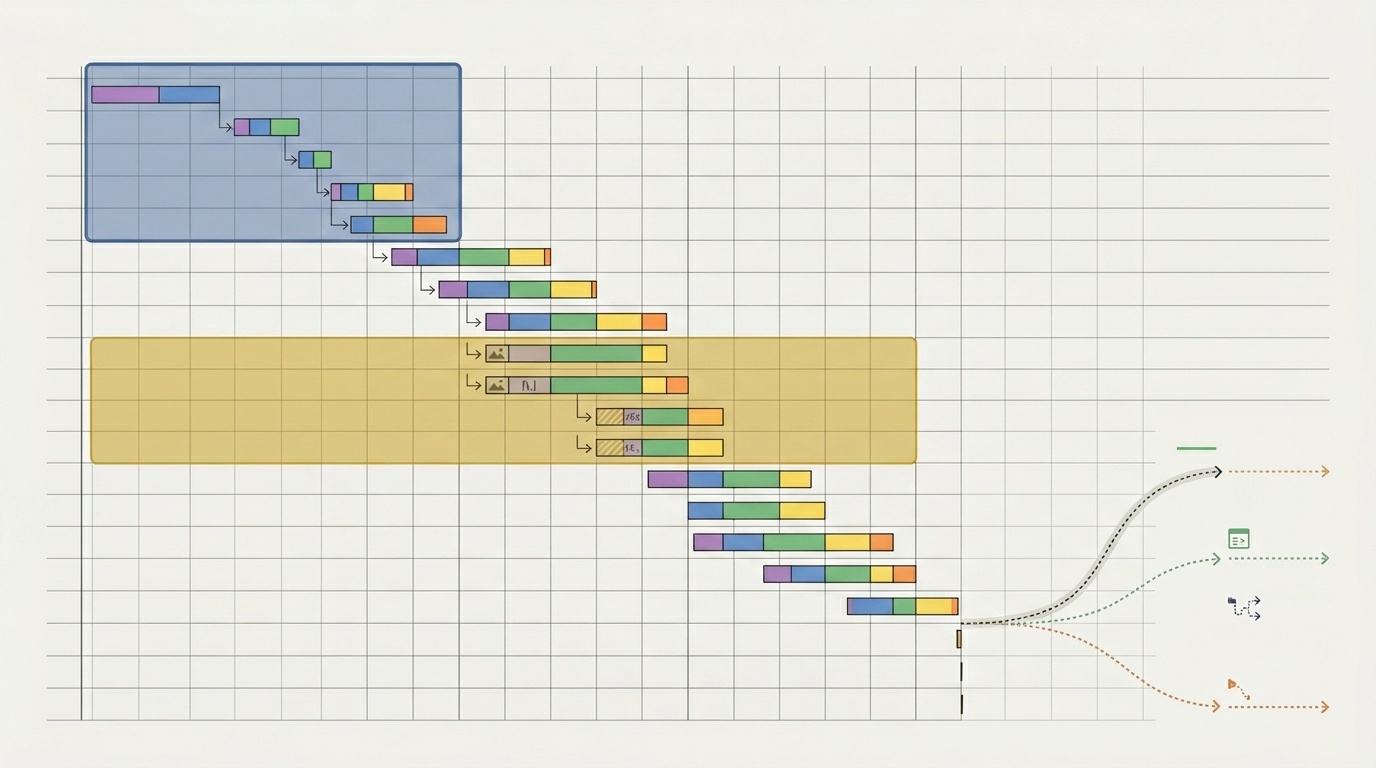
Why your site should send fewer requests, not smaller ones
Tiny files are not free. Modern HTTP made request overhead smaller, not irrelevant.
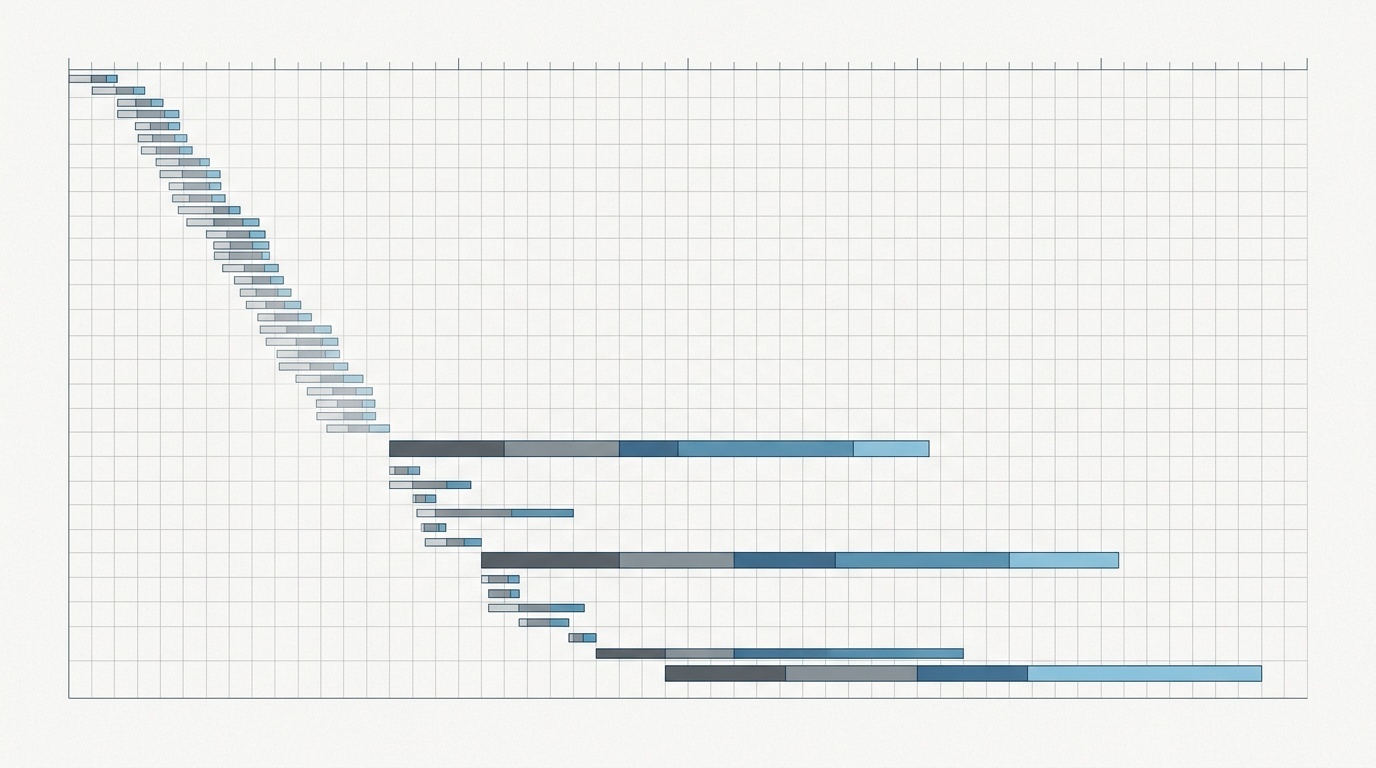
Table of contents
- The comfortable myth of “just make every file smaller”
- Requests are not just bytes
- “But HTTP/2 fixed this,” mostly not
- The waterfall is where the truth lives
- Smaller files still matter — just not equally
- The hidden costs of many small files
- 1. Late discovery
- 2. Header overhead
- 3. Main-thread interruption
- 4. Cache complexity
- Bundling is back, but with judgment
- Third-party requests deserve extra suspicion
- A practical request-reduction checklist
- Remove
- Combine thoughtfully
- Defer
- Cache properly
- Re-measure
- What good looks like
The comfortable myth of “just make every file smaller”
For years, web performance advice sounded simple: compress everything, minify everything, make every asset smaller.
That advice is still broadly correct. A 40 KB script is usually better than a 400 KB script. An optimized image is better than a raw export. Brotli, AVIF, CSS minification, tree shaking, and font subsetting all matter.
But on many production sites, the bigger problem is no longer one oversized file. It is the number of things the browser has to ask for before the page feels usable.
A page can look disciplined in file sizes and still be slow because it sends 120 requests: CSS fragments, JavaScript chunks, third-party tags, font files, tracking pixels, icon sprites, JSON endpoints, preloads, analytics beacons, and cache revalidations. Each one may be “small.” Together, they create a long, fragile waterfall.
The practical rule is this: once individual assets are reasonably compressed, reducing the number of requests often improves user experience more than shaving a few kilobytes from every file.
Requests are not just bytes
A network request is not only a transfer of data. It is a sequence of work.
The browser has to discover the resource, decide when to fetch it, schedule it against other resources, send headers, wait for the server, receive headers, parse the response, often decompress it, and then do something useful with it.
That “something useful” may be expensive. A JavaScript file has to be parsed, compiled, and executed. A CSS file can block rendering. A font file can delay readable text or cause layout shifts. An image may affect the Largest Contentful Paint element. A third-party script may bring its own dependency chain.
This is why request count still matters even when files are small. A 3 KB script can be worse than a 30 KB image if it blocks rendering, arrives late, and executes on the main thread at the wrong moment.
If you are reading a Lighthouse report and feel punished by dozens of separate warnings, start by looking at the request waterfall rather than individual scores. We have a practical walkthrough in how to read a Lighthouse report without panicking, but the short version is: find what blocks first render and what delays the main content.
“But HTTP/2 fixed this,” mostly not
HTTP/2 and HTTP/3 changed the economics of requests. They introduced multiplexing, header compression, and better connection behavior. In plain terms, browsers became much better at sending multiple requests over fewer connections.
That was a real improvement. It also killed some old habits, such as extreme CSS sprites and giant concatenated bundles built only to avoid connection limits.
But HTTP/2 did not make requests free.
Multiplexing helps when many resources share a connection, but the browser still has to prioritize them. Servers still have to respond. The client still has to process each response. Congestion, packet loss, TLS negotiation, DNS lookup, cache misses, and main-thread pressure still exist.
HTTP/3 improves some transport behavior, especially around connection migration and head-of-line blocking at the transport layer. It does not remove the cost of discovering, scheduling, downloading, parsing, and executing resources.
So the modern goal is not “bundle everything into one enormous file.” It is “send fewer critical requests, and make the remaining requests intentional.”
The waterfall is where the truth lives
Performance problems rarely announce themselves in a single metric. They show up as shape.
Open a browser network panel and look at the first few seconds. Ask:
- How many requests start before the main content appears?
- Which requests block rendering?
- Are important resources discovered late?
- Are third-party scripts competing with first-party CSS, fonts, or images?
- Are many files returning 304 responses instead of being served directly from cache?
- Are icons, fonts, or UI fragments split into more files than the page needs?
A fast page usually has a boring early waterfall. A small number of critical resources arrive early. Non-critical resources wait. Third-party scripts are delayed, limited, or removed. The browser is not forced to juggle twenty priorities before it can paint the page.
A slow page often has a nervous waterfall: many small files, many origins, and many late discoveries.
Smaller files still matter — just not equally
This is not an argument against compression or optimization. It is an argument against optimizing bytes while ignoring coordination.
Smaller files matter most when the resource is large, render-blocking, or part of the main content path. For example:
- The hero image should be properly sized and encoded.
- Render-blocking CSS should be lean.
- JavaScript needed for first interaction should be minimal.
- Fonts should be subset, compressed, and limited to the weights actually used.
Fonts are a common example. Teams often obsess over whether a font file is 24 KB or 31 KB, while shipping six weights, two styles, and multiple families. The better fix is not shaving 7 KB from one file. It is sending fewer font files. If typography is part of your performance work, web fonts are still one of the easiest wins on most sites.
Images follow the same pattern. AVIF or WebP can save meaningful bytes, but sending ten decorative images above the fold is still a bad plan. Choose better formats, yes, but also question whether each image needs to be requested at all. For format decisions, our guide to when AVIF beats WebP and when it does not is a useful companion to this request-count work.
The hidden costs of many small files
Many small requests tend to create problems that do not show up if you only look at total transferred bytes.
1. Late discovery
Browsers cannot request what they have not discovered. A CSS file can reference a font. A script can import another script. A component can request JSON after hydration. Each dependency creates another step in the chain.
The deeper the chain, the later important work starts.
2. Header overhead
Every request and response includes headers. Header compression helps, especially over HTTP/2 and HTTP/3, but it does not eliminate overhead. Cookies can make this much worse. If your site sends large cookies with every request, tiny assets become less tiny in practice.
This is one reason static assets should often live on cookie-free paths or domains, and why cache headers deserve attention. If headers are behaving strangely in production, debugging redirects and HTTP headers is usually faster than guessing.
3. Main-thread interruption
Many JavaScript chunks can create repeated parse and execution work. Even if each chunk is small, the browser may keep stopping to evaluate code. This can hurt Interaction to Next Paint and make the page feel jittery.
The user does not care that each file was small. They care that tapping a menu took 600 milliseconds.
4. Cache complexity
Splitting assets can improve caching when done carefully. A stable vendor bundle and a changing app bundle can be a good split.
But excessive chunking can backfire. More files mean more cache lookups, more revalidation opportunities, more version coordination, and more ways to accidentally invalidate resources that did not need to change.
Bundling is back, but with judgment
The first era of web performance loved bundling because browsers had strict connection limits. Then HTTP/2 arrived and many teams swung hard toward aggressive code splitting. Some of that was useful. Some of it became superstition.
The sensible middle is route-aware bundling.
For a typical marketing site or content site:
- Inline or load only the CSS needed for initial rendering.
- Keep global JavaScript small.
- Avoid splitting tiny modules into separate network requests.
- Delay interactive features that are not needed immediately.
- Remove third-party scripts that do not justify their cost.
For an application:
- Split by route or major feature, not by every component.
- Keep shared dependencies stable and cacheable.
- Preload only resources that are definitely needed soon.
- Avoid loading admin, dashboard, editor, or experiment code on public pages.
- Measure interaction cost, not just bundle size.
Bundling is not automatically good. Code splitting is not automatically good. The useful question is: does this split help the browser deliver the next meaningful user experience sooner?
Third-party requests deserve extra suspicion
First-party requests are at least under your control. Third-party requests are often slower, less predictable, and more expensive than they look.
A single tag manager can trigger analytics, ads, heatmaps, chat widgets, A/B testing, consent tools, and personalization scripts. Each vendor may bring more requests. Some will run early. Some will block the main thread. Some will change without your release process.
The best third-party optimization is deletion. The second-best is delay.
Before adding a third-party script, ask:
- Does this need to load before the user sees the page?
- Does it need to load on every page?
- Can it load after consent, interaction, or idle time?
- Who owns it internally?
- What metric proves it is worth the performance cost?
This is where performance becomes governance. Someone has to be allowed to say no.
A practical request-reduction checklist
Start with the pages that matter most: homepage, pricing page, product page, checkout, signup, or top landing pages. Then work through the waterfall.
Remove
- Delete unused JavaScript and CSS.
- Remove old experiments, abandoned pixels, and duplicate analytics.
- Drop unused font weights and icon libraries.
- Replace decorative images with CSS where appropriate.
Combine thoughtfully
- Bundle tiny JavaScript modules that always load together.
- Merge small CSS files that block the same render path.
- Use SVG sprites or inline SVG for repeated icons when it reduces requests without hurting maintainability.
Defer
- Lazy-load below-the-fold images.
- Delay non-critical scripts until after first paint or user interaction.
- Load comments, embeds, maps, chat, and video players only when needed.
Cache properly
- Use long-lived caching for versioned static assets.
- Avoid unnecessary revalidation for files that rarely change.
- Keep HTML fresh, but let hashed assets stay cached.
Re-measure
After each change, check the waterfall again. The goal is not a perfect score. The goal is fewer critical requests, earlier useful rendering, and less main-thread disruption.
What good looks like
A healthy page does not necessarily have the fewest possible requests. It has a small, deliberate critical path.
The browser gets HTML, essential CSS, the main content image if there is one, maybe a small script required for navigation or above-the-fold interaction, and the minimum font set needed to make text readable. Everything else waits its turn.
That is the difference between a page that is merely optimized and a page that feels fast.
Shrinking files is still worth doing. But if the site is already reasonably compressed, the next performance win is usually not another 2 KB saved from a bundle. It is one less blocking request, one less font file, one less third-party script, one less dependency chain.
Fewer requests make the browser’s job simpler. Simple is fast more often than we like to admit.
Frequently asked questions
Is one large bundle better than many small files?
Does HTTP/2 mean request count no longer matters?
Should I inline all critical CSS?
What is the easiest place to reduce requests?
How many requests should a page have?
Sources & further reading