Preload, prefetch and preconnect: when each actually helps
Resource hints are useful when they match real browser bottlenecks. Used blindly, they add priority noise and sometimes make pages slower.
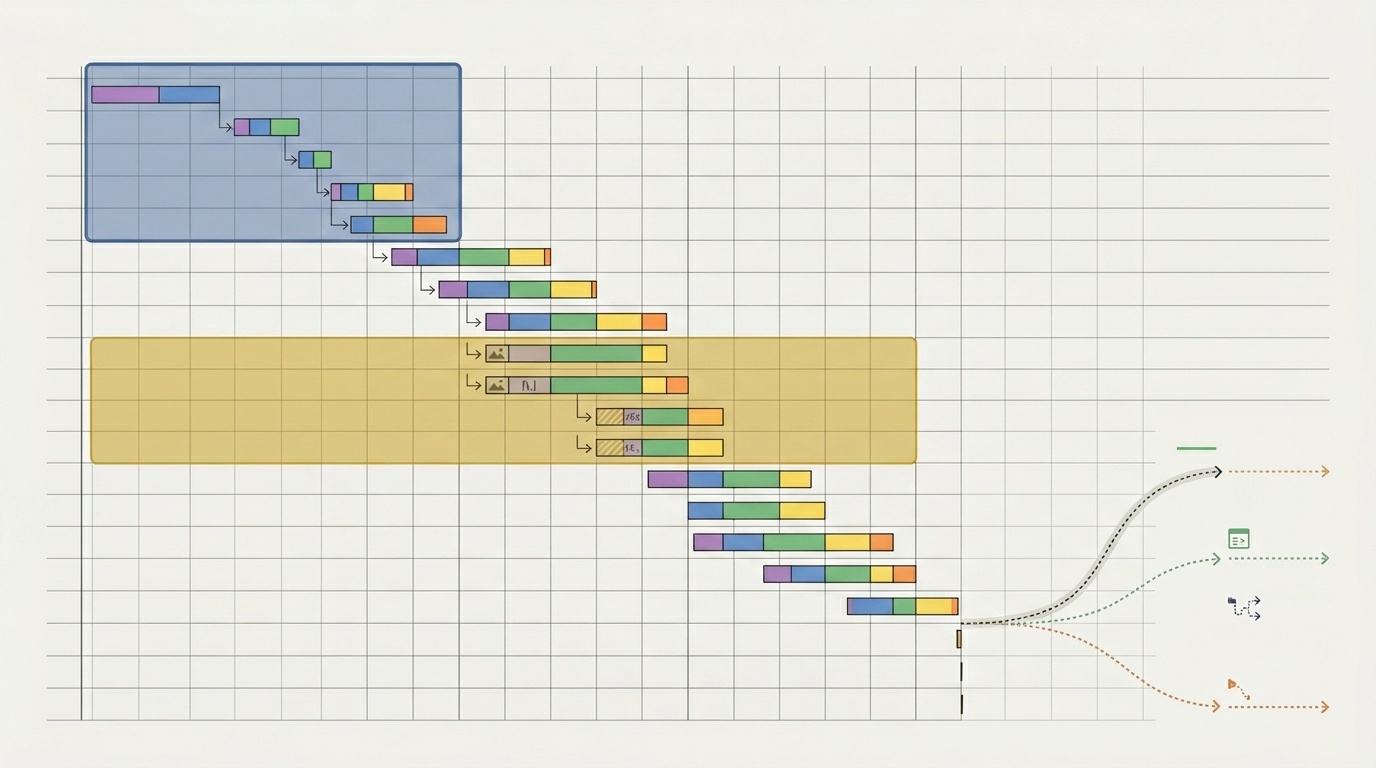
Table of contents
- Resource hints are not magic
- What the browser already does well
- Preload: for current-page resources discovered too late
- Preload and LCP images
- Prefetch: for the next page, not this one
- Preconnect: for expensive connections to important origins
- DNS-prefetch: the lighter cousin
- How to decide: a practical workflow
- 1. Identify the bottleneck
- 2. Add one hint at a time
- 3. Check priority side effects
- 4. Verify headers and caching
- Common mistakes
- Preloading too much
- Using prefetch for required resources
- Preconnecting to every third party
- Forgetting mobile conditions
- A simple decision table
- The calm rule
Resource hints are not magic
preload, prefetch, and preconnect are often treated as a performance checklist. Add a few tags to the <head>, rerun Lighthouse, feel better. That is not how they work.
These hints are instructions to the browser’s loading pipeline. They can help when you know something the browser cannot discover early enough. They can hurt when you guess, over-prioritize non-critical work, or warm up connections that users never need.
The short version:
- Use
preloadfor resources required for the current page, but discovered too late. - Use
prefetchfor likely future navigation resources, not current-page essentials. - Use
preconnectfor important third-party origins where connection setup is a real delay.
The practical question is not “which hint is fastest?” It is “what is the browser waiting on, and can this hint remove that wait?”
What the browser already does well
Modern browsers are not passive file downloaders. They parse HTML, scan ahead for resources, assign priorities, reuse connections, delay work that is not visible, and adapt to network conditions.
That means resource hints should be selective. If a stylesheet, script, image, or font is already discovered early and given the right priority, adding a hint may do nothing. Worse, it may compete with resources that matter more.
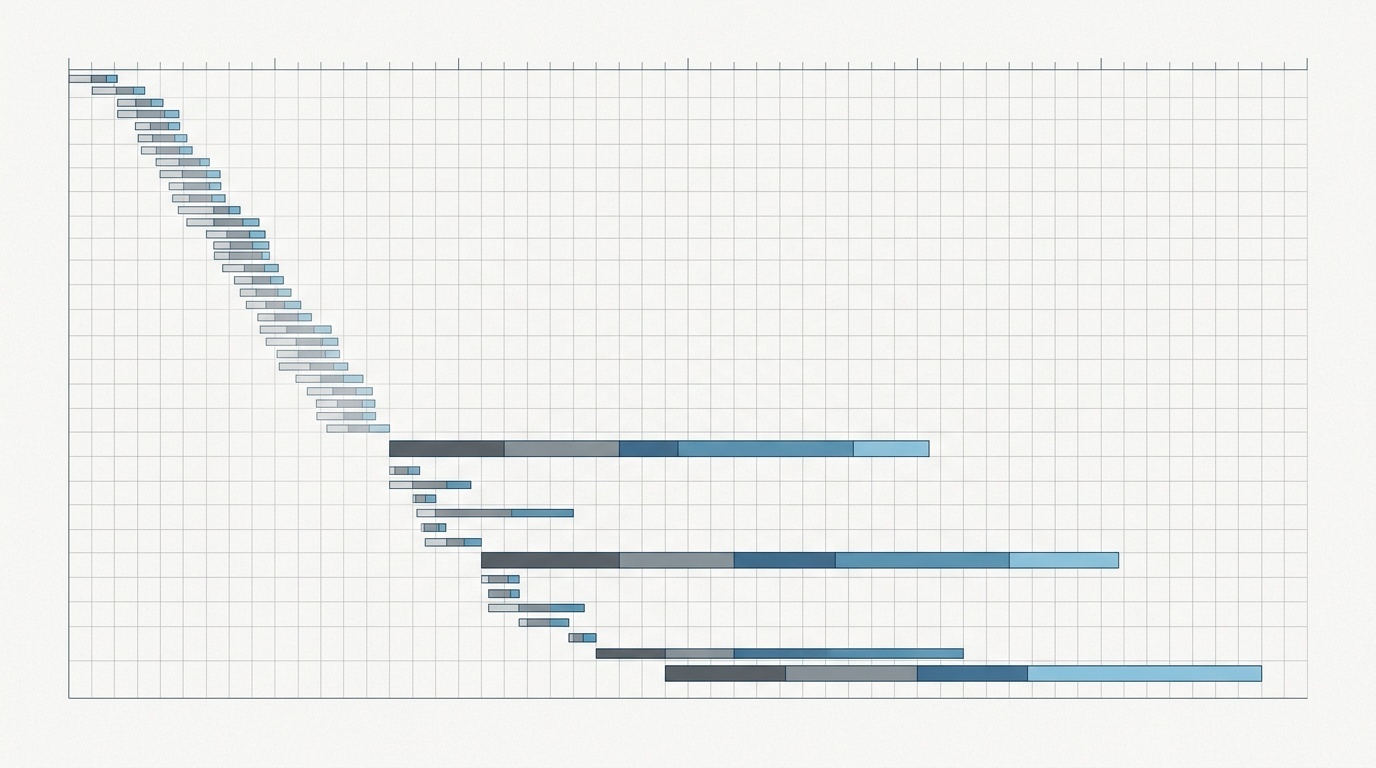
Before adding hints, look at a waterfall trace in DevTools or a lab report. If you are using Lighthouse, start with the diagnostics rather than the score; we have a separate guide on reading a Lighthouse report without panicking — but note the correct URL is case-sensitive, so use the linked article from your site navigation if needed.
The real evidence is usually visible in three places:
- A critical resource starts late because the browser discovers it late.
- A connection to an important origin takes noticeable time before the first request.
- A next-page resource is highly predictable and cheap to fetch in idle time.
If none of those are true, a hint is probably decoration.
Preload: for current-page resources discovered too late
preload tells the browser: “Fetch this resource now because the current page will need it.”
A typical example is a web font referenced inside CSS. The browser must download HTML, discover the CSS, download the CSS, parse it, discover the font, then request the font. If that font is important for above-the-fold text, discovery may be late enough to cause layout shifts or delayed text rendering.
A preload can move that request earlier:
<link rel='preload' href='/fonts/inter-var.woff2' as='font' type='font/woff2' crossorigin>The as attribute matters. It tells the browser what kind of resource this is, which affects priority, caching, content security policy, and request headers. Fonts also usually need crossorigin, even when served from the same site, because font fetching uses CORS mode.
Good preload candidates include:
- The primary web font used for visible text.
- A hero image that is the Largest Contentful Paint element and not discoverable early.
- A critical CSS file loaded indirectly.
- A module or script needed very early, but hidden behind another script.
Bad preload candidates include:
- Every font weight in the design system.
- Images below the fold.
- Scripts that are not needed for initial rendering.
- Resources that the browser already discovers in the first HTML chunk.
Preload is powerful because it affects current-page priority. That is also why it is easy to misuse. If you preload five large assets, you are no longer helping the browser. You are arguing with it.
Fonts are the classic case. Preloading one primary font file can help. Preloading six weights and italics usually makes things worse. If fonts are your bottleneck, fix the font set first; our guide to why web fonts are still the easiest performance win on most sites covers that cleanup in more detail.
Preload and LCP images
Preloading an LCP image can be useful when the image is not visible in the initial HTML. Common causes include CSS background images, client-rendered components, or responsive image logic that appears late.
But if your hero image is already in the HTML as an <img> with sensible srcset, sizes, dimensions, and no lazy loading, the browser can probably find it quickly. In that case, adding fetchpriority='high' may be more appropriate than preload, depending on the page.
A good test: if the image request starts late in the waterfall and becomes the LCP element, consider preload. If it starts early but downloads slowly, the problem is size, format, CDN behavior, or server latency — not discovery. For image format decisions, see when AVIF beats WebP and when it does not.
Prefetch: for the next page, not this one
prefetch tells the browser: “This resource may be needed soon, but it is not required right now.”
That distinction is important. Prefetch is intentionally low priority. The browser may fetch it during idle time and store it for later use. It may also skip it on poor connections, data-saving modes, or under memory pressure.
Use prefetch when user intent is strong enough to make the next resource likely.
Good prefetch candidates include:
- The next step in a multi-page checkout.
- Search results after a user starts typing a query, if the next route is predictable.
- Documentation pages linked from a table of contents when the user is actively reading nearby content.
- Route chunks in a single-page app after a user hovers or focuses a navigation item.
Bad prefetch candidates include:
- Your entire navigation tree.
- Large videos or image galleries.
- Third-party scripts “just in case.”
- Pages that users rarely visit next.
Prefetch is where restraint pays off. A resource fetched and never used is not free. It consumes bandwidth, server capacity, energy, and possibly user data. On mobile networks, speculative fetching can be actively unfriendly.
For many sites, the best prefetch strategy is intent-based. Do not prefetch the pricing page as soon as the home page loads. Prefetch it when the user opens the pricing menu, hovers the pricing link, or scrolls near a call-to-action that strongly predicts navigation.
Also remember that browser behavior varies. Some browsers are conservative with prefetch; some privacy settings reduce or disable speculative loading. Treat prefetch as an opportunistic improvement, not a correctness mechanism.
Preconnect: for expensive connections to important origins
preconnect tells the browser: “Start setting up a connection to this origin now.”
That may include DNS lookup, TCP connection, and TLS negotiation. For third-party origins, this setup can take hundreds of milliseconds, especially on high-latency networks. If the page soon needs a critical request from that origin, preconnect can make the later request faster.
Example:
<link rel='preconnect' href='https://fonts.gstatic.com' crossorigin>Good preconnect candidates include:
- A font origin used for render-blocking text.
- A critical API origin needed during initial interaction.
- A CDN origin serving above-the-fold assets.
- A payments or identity provider needed immediately after user action.
Bad preconnect candidates include:
- Analytics and advertising endpoints that are not user-critical.
- Origins used only on some sessions.
- Long lists of third parties.
- Same-origin resources, where the browser already has or will soon open the connection.
Preconnect has a holding cost. Open sockets consume memory and network resources. Browsers will close unused connections, but that does not make unnecessary preconnects harmless.
A useful rule: preconnect to at most one or two high-confidence third-party origins on a page. If you feel tempted to add more, your third-party architecture probably needs review more than your hints need expansion.
DNS-prefetch: the lighter cousin
You may also see dns-prefetch:
<link rel='dns-prefetch' href='https://example-cdn.com'>This only resolves the domain name. It does not open a TCP or TLS connection. It is cheaper than preconnect, but also less helpful.
DNS-prefetch can be reasonable for lower-confidence third-party origins where full preconnect feels too aggressive. In practice, if an origin is critical and definitely used soon, prefer preconnect. If it is merely possible, either use DNS-prefetch or do nothing.
How to decide: a practical workflow
Start with measurement, not tags.
1. Identify the bottleneck
Open a performance trace and look for late discovery. Did the font, hero image, or script request start only after another file was downloaded and parsed? That is a preload candidate.
If a request starts only after a long DNS/TCP/TLS setup to a third-party origin, that is a preconnect candidate.
If the current page is fine but the next navigation is predictably slow, prefetch may help.
2. Add one hint at a time
Resource hints interact. Add one, test it, and keep it only if the waterfall improves and user-facing metrics do not regress.
For preload, watch whether the hinted resource is actually used soon. Chrome may warn when a preloaded resource is not used shortly after load. Take that warning seriously.
3. Check priority side effects
A preload can pull bandwidth away from CSS, JavaScript, or images that matter more. A preconnect can occupy a connection slot. A prefetch can add background traffic.
The right outcome is not “the hinted file starts earlier.” The right outcome is “the page becomes meaningfully better for users.” Look at LCP, INP, CLS, and real-user monitoring where possible.
4. Verify headers and caching
Hints can be sent in HTML or HTTP Link headers. Headers are useful when the server knows early what the page will need, but they are harder to inspect casually. If you are debugging whether a hint is actually present in production, raw headers matter; this is exactly the kind of situation covered in our guide to debugging redirects and HTTP headers.
Caching also matters. Preloading a resource with mismatched credentials, wrong as, or different URL parameters can cause duplicate downloads. That is one of the most common ways a well-intended preload becomes a performance bug.
Common mistakes
Preloading too much
If everything is critical, nothing is. Limit preload to resources needed for initial rendering or immediate interactivity. A typical page should have zero to three preloads, not twenty.
Using prefetch for required resources
Prefetch is low priority and optional. Do not use it for assets required by the current page. If the page needs it now, consider preload or normal HTML discovery.
Preconnecting to every third party
Third-party-heavy pages often have ten or more external origins. Preconnecting to all of them creates noise. Pick the one or two that are both critical and predictably used.
Forgetting mobile conditions
Resource hints are most valuable on slower connections, but also most dangerous there. A wasted prefetch on a fast desktop connection is a rounding error. On a constrained mobile plan, it is a bad trade.
A simple decision table
| Situation | Best hint | Why | |---|---:|---| | Critical font discovered through CSS | preload | Current page needs it, discovery is late | | Hero image hidden behind CSS or client rendering | preload | Can improve LCP if image starts late | | Likely next route after user intent | prefetch | Helps future navigation without blocking current page | | Critical third-party font/API origin | preconnect | Removes connection setup from the critical path | | Possible but uncertain third-party origin | dns-prefetch or none | Lower cost, lower confidence | | Below-the-fold image | none | Let lazy loading and browser priority work |
The calm rule
Resource hints work best when they are boring and specific. One font. One LCP image. One important third-party origin. One likely next route after intent.
They work poorly when used as optimism: maybe the user will need this, maybe the browser should fetch that, maybe more hints mean more speed.
Browsers already optimize aggressively. Your job is not to micromanage every request. Your job is to correct the few cases where the browser lacks information at the right moment.
Frequently asked questions
Should I preload all my fonts?
Is prefetch safe to use for every internal link?
What is the difference between preconnect and dns-prefetch?
Can resource hints improve Core Web Vitals?
Should resource hints be added in HTML or HTTP headers?
Sources & further reading