What data AI chatbots actually keep from your conversations
A practical guide to prompts, files, metadata, memory, training data, and the parts people usually forget.
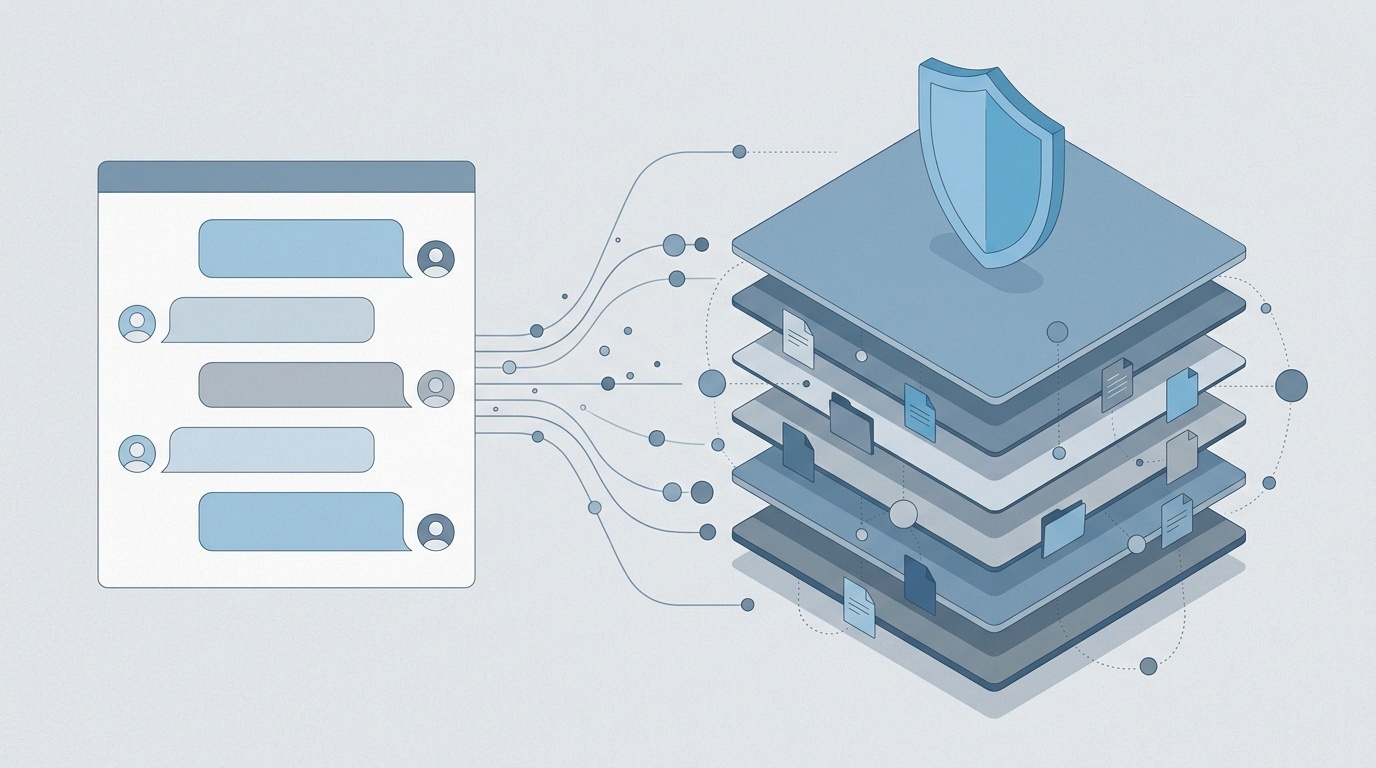
Table of contents
- The short version: more than the message box
- The main categories of data chatbots may store
- 1. Conversation content
- 2. Uploaded files, images, audio, and screenshots
- 3. Account and identity data
- 4. Metadata and telemetry
- 5. Feedback and human review notes
- 6. Memory and personalization data
- Is your data used to train AI models?
- What “delete” usually means
- Private mode, temporary chat, and incognito are not the same thing
- The special case of plugins, connectors, and custom bots
- What individuals should avoid putting into chatbots
- What teams should do instead of pretending this is not happening
- A reasonable mental model
The short version: more than the message box
When people ask whether an AI chatbot “keeps” their conversations, they usually mean: will someone train a model on the thing I just typed?
That is an important question, but it is too narrow. Modern AI chat products can retain several layers of information: your prompts, the model’s replies, uploaded files, account details, device and network metadata, feedback, abuse-detection logs, and sometimes a separate “memory” profile about you.
The exact answer depends on the provider, product tier, admin settings, region, and whether you use a consumer app, API, or enterprise workspace. Policies also change. Still, the broad pattern is stable enough to reason about.
The main categories of data chatbots may store
1. Conversation content
This is the obvious part: the text you type and the answer you receive. If you ask a chatbot to rewrite a client contract, analyze a spreadsheet, summarize medical notes, or debug proprietary code, that content may be stored as part of your chat history or service logs.
Many products let you delete conversations from the visible interface. That does not always mean immediate deletion from every backend system. Data may remain temporarily in backups, audit systems, abuse-monitoring logs, or legal-preservation systems. A common pattern is: deleted from the user interface quickly, then removed from operational systems after a retention window, with backups expiring later.
The practical point: treat anything pasted into a chatbot as information disclosed to a third-party processor unless your contract, settings, and workflow say otherwise.
2. Uploaded files, images, audio, and screenshots
Chatbots are no longer text boxes. Users upload PDFs, CSVs, slides, screenshots, voice notes, photos, and code repositories. Those files can contain far more sensitive data than the prompt itself.
A user might type, “summarize this,” while the uploaded PDF contains customer names, invoices, addresses, internal margins, or employee performance notes. An image might include location metadata, device metadata, or visible personal details in the background. If your team uses image inputs, our guide on stripping EXIF metadata before sharing photos online is a useful habit-forming reference, even outside AI workflows.
Some services process files only for the immediate session. Others store them with the conversation, keep derived text extractions, or use them to improve systems depending on settings. The important distinction is not “file versus prompt”; it is whether the provider stores original content, extracted content, embeddings, summaries, or all of the above.
3. Account and identity data
If you are logged in, the chatbot usually has account-level data: email address, name, organization, subscription tier, billing information, workspace membership, and admin settings. In business products, it may also store role, department, domain, single sign-on identifiers, and audit events.
This matters because conversation logs are not isolated scraps of text. They are often attached to a user, workspace, organization, plan, and timestamp. That attachment is useful for security, support, abuse prevention, billing, and compliance. It also makes the data more sensitive.
4. Metadata and telemetry
Even if a conversation seems harmless, the surrounding metadata can be revealing. Chatbot providers may collect IP address, approximate location, browser or app version, device type, operating system, language, timestamps, session identifiers, feature usage, model selected, latency, errors, and moderation signals.
This is similar to the broader web privacy problem: the content is only one layer; the telemetry tells its own story. If your team already reviews cookies, analytics, and consent, it is worth extending that mindset to AI chat products. Our article on what changed for cookies in 2026 covers the same underlying shift: users and regulators increasingly care about invisible data flows, not just visible forms.
5. Feedback and human review notes
When you click thumbs up, thumbs down, “report,” or “regenerate,” that feedback may be stored. In some systems, selected conversations may be reviewed by humans for safety, quality, abuse investigation, or model improvement. Providers generally describe this in privacy notices or product documentation, but the wording is often easy to skim past.
Human review does not mean every employee can browse your chats. Reputable providers typically restrict access and log reviewer activity. But “restricted access” is still access, and teams handling sensitive data should plan accordingly.
6. Memory and personalization data
Many chatbots now offer memory: saved facts such as your name, preferences, projects, writing style, dietary restrictions, or recurring tasks. This is not the same as chat history.
Memory is more like a small profile the system can reuse across future sessions. It may be editable, deletable, or disableable, depending on the product. It can be useful, but it changes the privacy model. A one-off chat becomes part of a longer-running user profile.
The risk is not just that the chatbot remembers too much. It is that users forget what the system remembers, then get surprised when old context affects a new answer.
Is your data used to train AI models?
Sometimes. Not always. This is where product tier matters.
Consumer chatbot products often reserve the right to use conversations to improve services or train models, unless the user disables that setting or uses a temporary/private mode. Some providers exclude certain categories by default, and some offer opt-outs. The details vary.
API and enterprise products are usually different. Many major AI vendors state that API inputs and business workspace data are not used to train foundation models by default. Enterprise contracts may include stronger commitments, data processing agreements, regional storage options, shorter retention, audit logs, and admin controls.
That distinction is important for companies. A developer pasting production logs into a personal chatbot account is not equivalent to a company using an enterprise AI service under a negotiated agreement. If you suspect employees are already using unsanctioned tools, start with a lightweight inventory rather than a blanket ban. We published a 7-question shadow AI audit for exactly that situation.
What “delete” usually means
Deletion is not a magic shredder. In most cloud systems, data exists in multiple places: the live database, search indexes, caches, analytics systems, backups, support tooling, safety logs, and sometimes downstream processing pipelines.
A good deletion flow should remove the visible conversation and schedule backend deletion according to a defined retention policy. But some data may remain for limited purposes: security, fraud prevention, legal compliance, billing, or abuse investigation.
This is not unique to AI. It is how most serious cloud services work. The problem is that chatbot conversations often contain unusually concentrated sensitive information because users paste context they would never put into a normal web form.
Private mode, temporary chat, and incognito are not the same thing
Browser incognito mode mainly affects local browser history and cookies after the session. It does not guarantee the chatbot provider will avoid storing your conversation.
A chatbot’s own temporary chat mode may do more: it might avoid saving the conversation to history or exclude it from model training. But it may still retain data briefly for safety, abuse monitoring, or debugging. Read the product’s wording carefully. “Not saved in history” is not the same as “not retained anywhere.”
For sensitive work, temporary mode is a useful layer, not a complete governance strategy.
The special case of plugins, connectors, and custom bots
The privacy picture gets more complicated when a chatbot connects to external services: calendars, drives, email, CRM systems, code repositories, web browsing tools, automation platforms, or custom actions.
In those workflows, your data may flow through more than one processor. A chatbot might send part of your prompt to a third-party API, retrieve documents from a workspace, or trigger an action in another system. The AI provider’s privacy policy is only one part of the chain.
If you publish a chatbot on your own website, say what it does plainly. Tell users what is logged, how long conversations are kept, whether humans may review messages, and whether data is shared with model providers or other services. The same principle applies to AI-generated content: transparency works best when it is specific. Our guide to honest AI disclosure on a small website is a good starting point for writing that kind of notice without sounding theatrical.
What individuals should avoid putting into chatbots
A sensible personal rule: do not paste data you would not email to an external consultant under unknown terms.
Be especially careful with:
- Passwords, API keys, private keys, and recovery codes
- Unredacted customer lists or CRM exports
- Medical, legal, financial, or HR records
- Confidential contracts and acquisition plans
- Proprietary source code from restricted repositories
- Children’s data or sensitive identity documents
- Internal incident reports and security logs
Redaction helps, but weak redaction is common. Replacing “Jane Smith” with “Customer A” is not enough if the surrounding details identify the person.
What teams should do instead of pretending this is not happening
AI chatbot use is already normal in many organizations. The choice is not “use” versus “no use.” It is governed use versus accidental use.
A practical policy should answer five questions:
- Which AI tools are approved for which data classes?
- Are prompts and outputs used for model training?
- How long are chats, files, and logs retained?
- Who can access conversation history and audit logs?
- What must employees redact before using AI assistance?
For higher-risk teams, use enterprise plans with contractual commitments, admin controls, single sign-on, logging, and data processing terms. For lower-risk tasks, teach staff to distinguish public, internal, confidential, and regulated data. Most mistakes come from ambiguity, not malice.
A reasonable mental model
Think of an AI chatbot as a cloud application with unusually broad input fields. It can store what you type, what you upload, what it generates, how you use it, and what it infers for personalization. Some of that data may improve the service. Some may be retained for security. Some may be eligible for training, depending on the product and settings.
That does not mean AI chatbots are automatically unsafe. It means they deserve the same procurement, privacy, and security attention you would give to email, analytics, customer support software, or document storage.
The calm, practical position is this: use chatbots, but stop treating the prompt box as a private thought bubble. It is a data input surface. Govern it accordingly.
Frequently asked questions
Do AI chatbots keep everything I type?
Is deleted chatbot data really deleted?
Are enterprise AI chats used to train models?
Does browser incognito mode protect chatbot conversations?
What is the safest way to use AI chatbots at work?
Sources & further reading