A week with an AI knowledge base: how the work of a project manager at a service provider changes
Five working days at Buro Noord, where every meeting is recorded, every conversation is searchable, and agents do the tedious work

Table of contents
Monday: kick-off with Visscher Logistiek
At nine o'clock, Sanne joins the first call of the week. On the other end of the line: two people from Visscher Logistiek, a mid-sized transport company from Groningen. They want to modernize their route planning, and Buro Noord is going to help them do it.
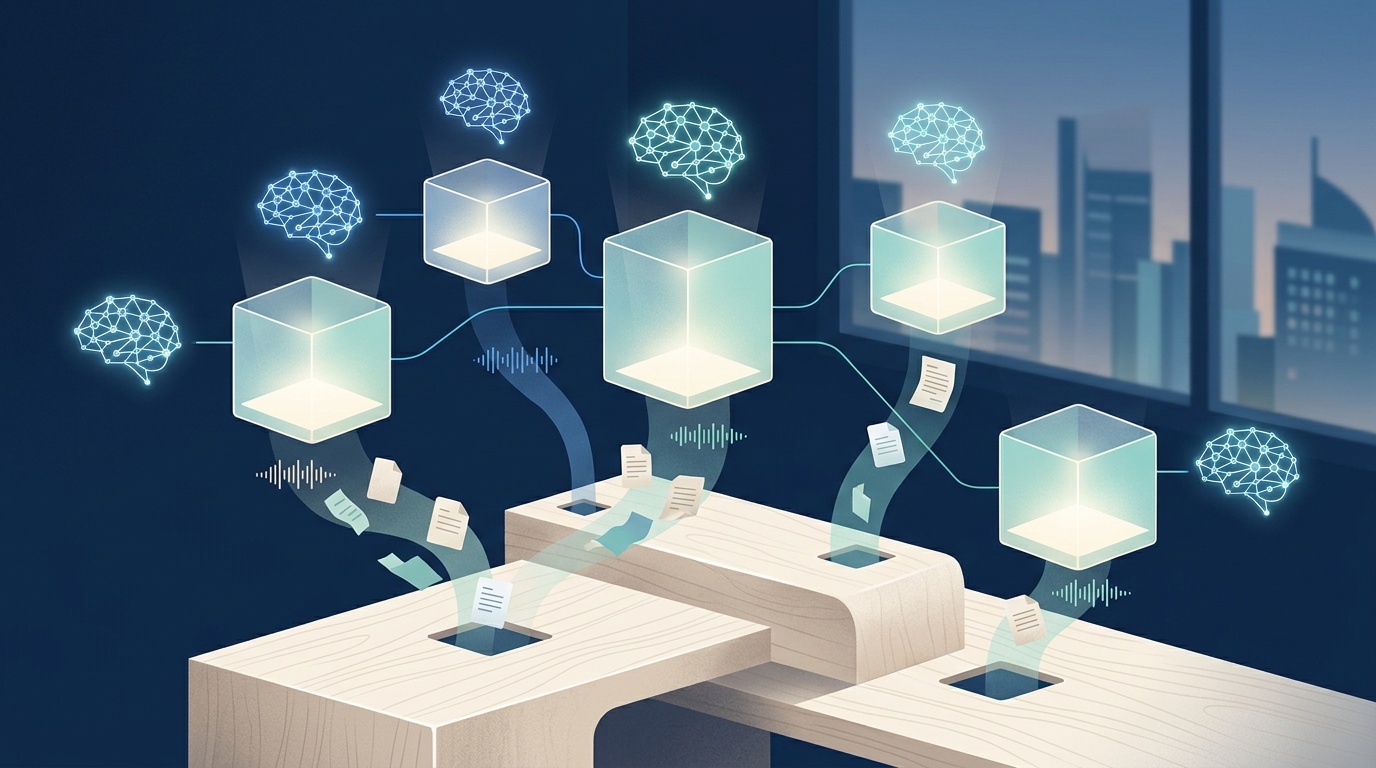
She starts the meeting as usual — going through the agenda, aligning expectations — but there is one difference. In the corner of her screen, a small icon is blinking: the recording has started. Since last month, Buro Noord has been using AI knowledge bases per project. Each project gets its own environment where all conversations, notes, and documents are stored. The AI learns along with the project, not with the entire company.
The meeting lasts 53 minutes. Sanne makes two hurried notes on paper, but she knows: the rest is being captured. Ten minutes after it ends, she gets a notification. The knowledge base has processed the recording. A summary is ready, with speakers automatically identified, decision points marked, and three suggested follow-up questions:
- "Which external parties depend on the new route planning?"
- "Are there peak periods during the year when planning is under extra pressure?"
- "Who at Visscher makes the final decision on supplier selection?"
She forwards the questions to her contact person. The answer comes within an hour. Sanne pastes the answers into the knowledge base. Done.
Systems like this are now provided by companies such as Symphoria.io, which focus on service providers with recurring client projects. The idea: not one large knowledge base for the entire company, but a separate, isolated environment per client or project. That keeps everything separated, searchable, and usable for the people who actually work with it.
Tuesday: Iwan has a question
Iwan has been a junior consultant at Buro Noord for six months. He is working on a project for another client, but he gets stuck on a technical question about API integrations. He knows Sanne did something similar last year for a logistics company.
In the past, he would have sent a Slack message, or asked Sanne at the coffee machine. Now he types his question into the search bar of the old project knowledge base. Within three seconds, he gets an answer: a snippet from a meeting three months ago, including timestamp and transcript. The supplier they chose at the time, the reason why, and the pitfall they avoided.
Iwan sends Sanne a thumbs-up in Slack. She has not had to do anything.
This may be the biggest shift: knowledge that would normally remain in people's heads, inboxes, or forgotten notes is now searchable. Not because someone diligently documents everything, but because the documentation happens automatically.
Wednesday: the status update agent
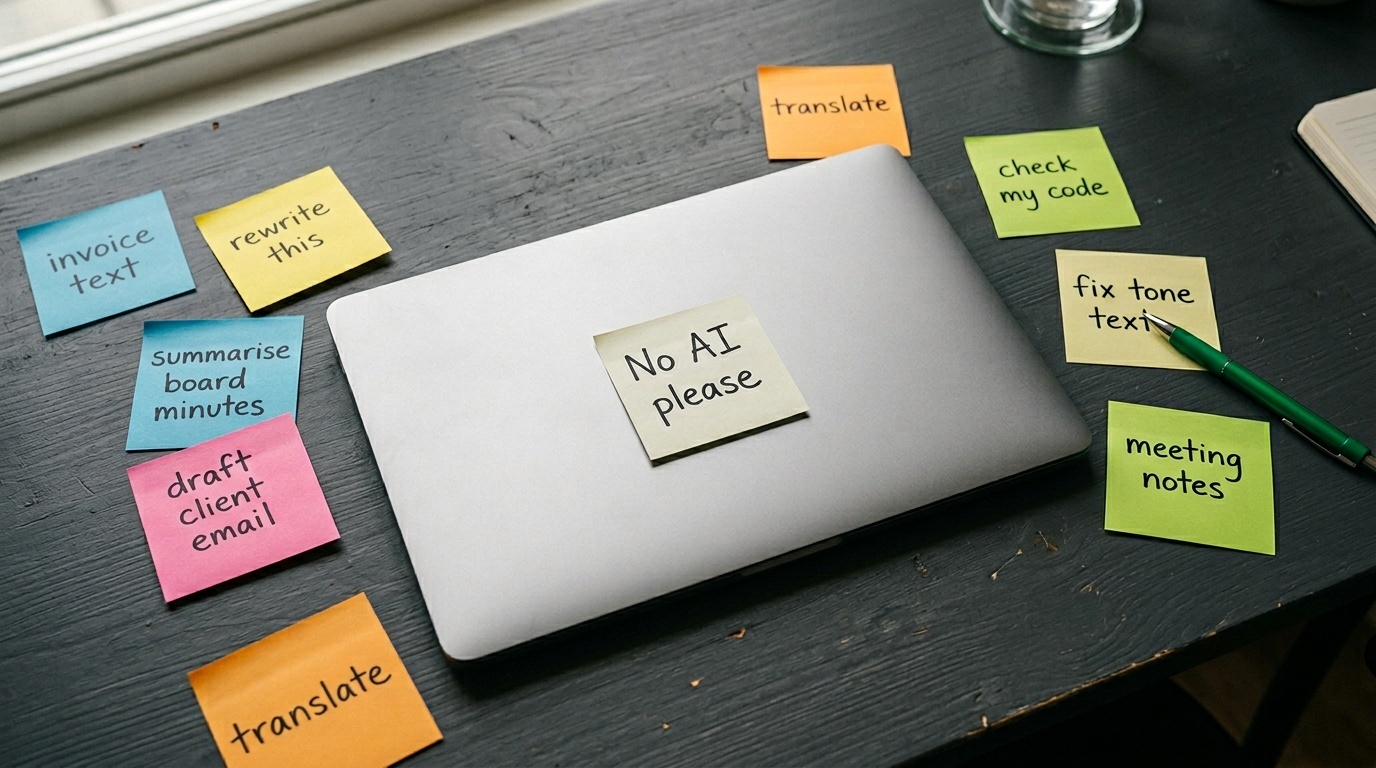
Every Wednesday morning, Sanne sends an update to her clients. Short, factual, no surprises. Writing it usually takes her 45 minutes to an hour. She has to look back at the week, check decision points, formulate, rewrite.
Today she tries something different. She opens the Visscher Logistiek knowledge base and activates the "status update agent". It has access to all conversations, documents, and notes from the past week. She gives it an instruction:
"Write a weekly update for the client. Factual, businesslike, no marketing language. Maximum 200 words. State what was discussed, what was decided, and what the next steps are."
Ten seconds later, there is a draft email. Sanne reads it through. Two sentences are just a little too vague. She adjusts them. The rest is correct. She presses send.
Total time invested: two minutes.
This is not magic. The agent simply has access to the same information Sanne would have consulted — meeting summaries, decision points, action items — but it does not have to search, filter, or formulate from scratch. It takes the context that is already there and packages it in a readable form.
Thursday: the privacy question
At half past two, the contact person at Visscher calls. He sounds a little uncomfortable.
"Sanne, I saw that you record our meetings. That is fine in itself, but I do want to know: who can access them? And how long do you keep them?"
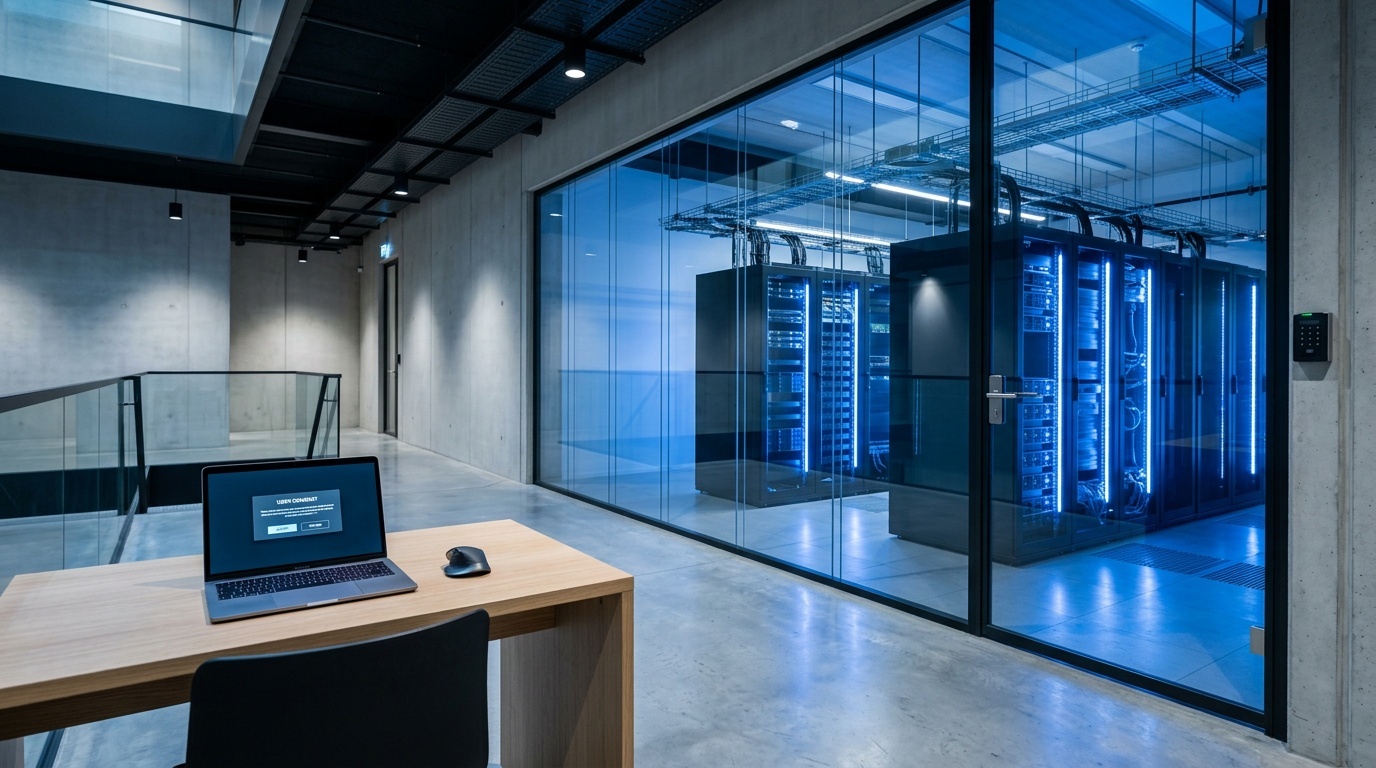
Sanne had seen this coming. When introducing the knowledge bases, Buro Noord deliberately thought through consent, access, and retention. She explains:
- Each recording starts only after explicit consent from all participants.
- Only people who belong to the project have access to the knowledge base.
- Audio is automatically deleted after three months; summaries and transcripts remain available.
- The knowledge base runs on European servers, with encryption at rest and in transit.
The client is reassured. Sanne sends him a short written confirmation as well.
Questions like this come up more often. And rightly so. An AI knowledge base per project can do a lot, but only if the foundations are in order: clear agreements about who may see what, how long data is retained, and what happens when a project ends. That is not a technical issue, but an organizational one. And it has to be arranged in advance, not afterwards.
Friday: the retrospective
Friday afternoon, four o'clock. Sanne is sitting with three colleagues in the meeting room. Every two weeks, they do a short retrospective on how working with the knowledge bases is going.
They go through what went well:
- Less time spent on status updates and summaries.
- Faster answers to questions from colleagues.
- Fewer ad hoc Slack messages about "where was that again".
And what could be better:
- Some agents give answers that are just a little too generic; they lack context.
- Not everyone feels comfortable correcting or steering the agent.
- There is still no clear process for what happens to a knowledge base when a project ends.
Sanne notes the points. She will discuss them next week with the internal working group guiding the rollout.
At the end of the meeting, she does a quick calculation. This week she has:
- Saved 45 minutes on writing status updates.
- Saved 30 minutes because Iwan found his answer himself.
- Saved 90 minutes because she did not have to write up meeting notes.
- Saved 2 hours because she did not have to search for information from earlier conversations.
Total: about six hours.
That is not a full working day, but it is enough to make a significant difference. Six hours she was able to spend on things that did require her attention: a difficult conversation with a client, a design choice, a proposal that truly needed custom work.
What this means for other service providers
Sanne's working week is not exceptional. It is not a future scenario either. This is happening now, at consultancy firms, advisory firms, development teams, and other service providers that work with recurring client projects.
What makes this approach different from earlier attempts to "capture knowledge":
- It does not require discipline. The knowledge base fills itself because conversations are processed automatically.
- It delivers value immediately. Not in three months, but in the same week.
- It scales per project. Not one large, messy knowledge base for the whole company, but small, focused environments per client.
That does not mean it happens by itself. There are three things that do require attention:
1. Consent and communication
Every client must know that conversations are recorded, how long data is retained, and who has access. That is not a legal formality, but a matter of trust. Organizations that do not handle this properly lose clients.
2. Steering agents
The first version of a status update or summary is rarely perfect. Teams need to learn how to steer, correct, and refine agents. That requires a different mindset than "the AI will handle it".
3. Cleaning up and archiving
Projects end. Clients leave. Knowledge bases then need to be closed, archived, or deleted. Organizations that do not arrange this end up after a year with a messy collection of floating environments that no one dares to look into anymore.
Back to Monday
Monday morning, nine o'clock. Sanne starts another new week. There is a kick-off call in her calendar, for another project. She opens the knowledge base, checks whether the recording settings are correct, and starts the meeting.
By now, it feels routine. Not exciting, not special. Just: how it works.
And that may be the best sign that a new way of working has truly landed. Not when it is impressive, but when it becomes self-evident.
Frequently asked questions
How does an AI knowledge base know who is speaking in a meeting?
What happens if a client does not want conversations to be recorded?
Can agents also write proposals or contracts?
How long does it take to introduce an AI knowledge base per project?
What does an AI knowledge base per project cost?
Sources & further reading