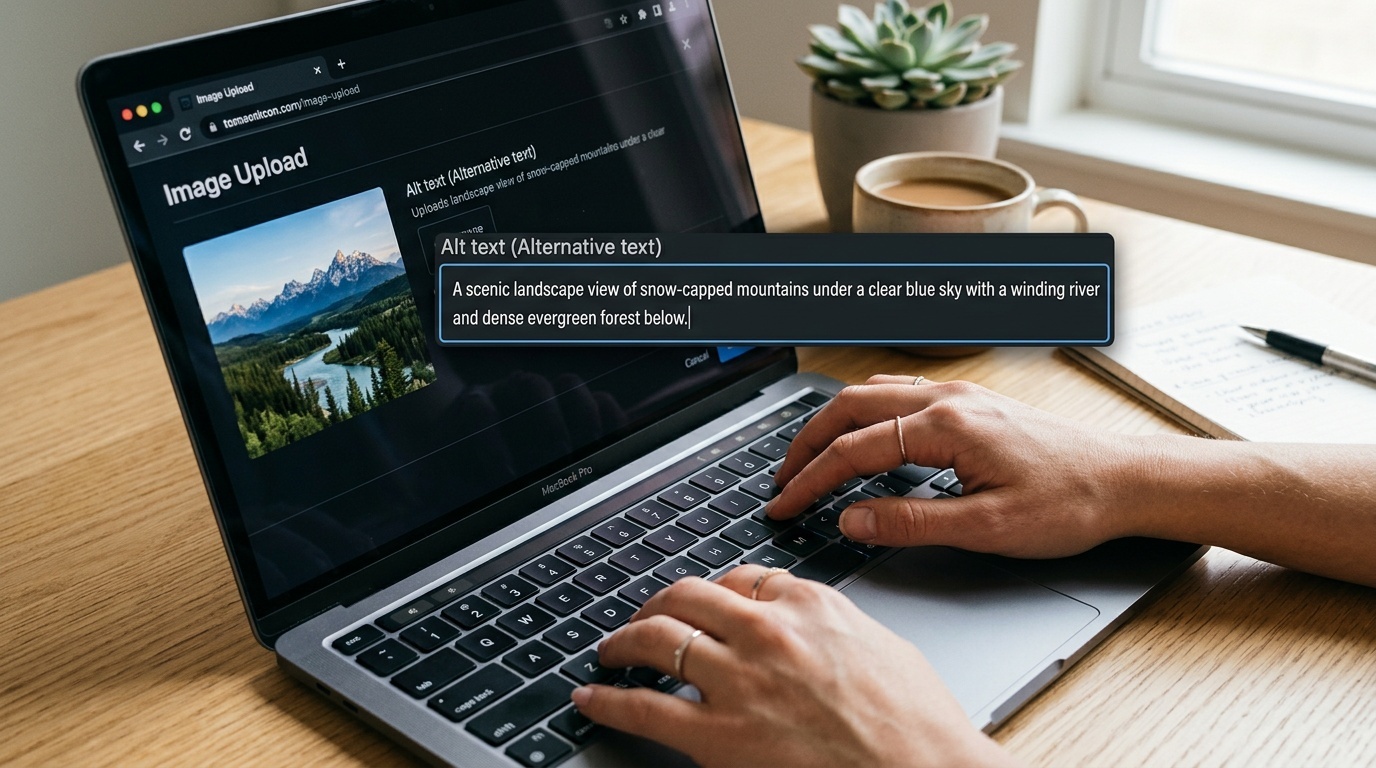
How to Write Image Filenames That Help SEO and Accessibility
A practical naming convention for web images: descriptive, stable, human-readable, and not stuffed with keywords.
Table of contents
- Image filenames matter, but not as much as people claim
- The short rule
- What a good image filename does for SEO
- What a good image filename does for accessibility
- A practical naming convention
- Use hyphens, lowercase, and plain words
- Keep filenames short, but not vague
- Do not keyword-stuff image filenames
- Match the filename to the actual image
- Separate filenames from alt text
- Naming images for different site types
- Ecommerce
- Blogs and editorial sites
- SaaS and documentation
- Local businesses
- What about image dimensions and versions?
- A quick pre-publish checklist
- The quiet benefit: better teams
Image filenames matter, but not as much as people claim
Image filenames are one of those small web details that attract too much certainty. Some teams ignore them completely and ship IMG_7421.jpg. Others turn every product photo into a miniature keyword essay.
The useful middle ground is simple: write filenames that describe the image clearly, help humans manage assets, and give search engines a little extra context. Do not expect filenames to rescue weak content, missing alt text, slow images, or a confusing page.
Google explicitly recommends using short, descriptive filenames for images. That is good advice. It is also limited advice. A filename is one contextual clue among many: surrounding text, page title, structured data, captions, alt text, links, image quality, and whether the image is actually useful to the page.
Accessibility is similar. A good filename is not a substitute for alt text. But it can reduce harm when something goes wrong, and it makes life easier for editors, developers, and users who download, save, or share the file.
The short rule
Use a filename that answers this question:
If someone saw only the filename, would they have a rough idea what the image contains?
Good:
red-running-shoes-side-view.jpgcheckout-error-message-mobile.pngoak-dining-table-120cm-walnut.jpgteam-planning-workshop-whiteboard.webp
Poor:
IMG_7421.jpgfinal-final-v3-new.jpgbest-cheap-running-shoes-buy-online-discount-sale.jpgscreenshot.png
The goal is not poetry. The goal is useful specificity.
What a good image filename does for SEO
A good filename helps search engines understand the image, especially in image search contexts. It can reinforce the topic of the page and the subject of the visual.
But it is a weak signal compared with the basics:
- The image appears on a relevant page.
- The surrounding copy explains or supports the image.
- The image has appropriate alt text when needed.
- The image is crawlable and indexable.
- The file is not unnecessarily large.
- The page loads reliably.
If you are fixing images for organic search, start with page relevance and usefulness. Then clean up filenames. Then look at compression, formats, dimensions, lazy loading, and structured data where appropriate. Our guide to image formats in 2026 is a useful companion if your naming cleanup turns into a broader image performance pass.
What a good image filename does for accessibility
Strictly speaking, filenames are not the main accessibility mechanism for images. Alt text is.
If an image conveys information, the alt attribute should provide the text alternative. If the image is decorative, the alt attribute should usually be empty: alt="". If the image is a link or a button, the alternative text should describe the action or destination, not merely the pixels.
We covered that in detail in a pragmatic guide to image alt text in 2026, and it is worth treating alt text as a separate editorial task.
So why care about filenames for accessibility at all?
Because filenames often surface around the edges of the experience:
- Some assistive technology/browser combinations may expose a filename when alt text is missing.
- Downloaded images need understandable names outside the web page.
- CMS media libraries are easier to audit when names are descriptive.
- Editors are less likely to attach the wrong image when files are named clearly.
- Broken images and debugging views are easier to interpret.
A filename will not make an inaccessible image accessible. But a bad filename can make failures more confusing.
A practical naming convention
Use this default pattern:
subject-detail-context.ext
Examples:
espresso-machine-steam-wand-closeup.jpgpricing-table-enterprise-plan-desktop.pnggarden-chair-green-metal-front-view.webppassword-reset-email-example.png
For products, a slightly more structured version often works better:
brand-product-model-color-view.ext
Examples:
acme-trail-jacket-blue-front.jpgnorthline-desk-lamp-brass-side.webpterra-ceramic-mug-white-top-view.jpg
For editorial images:
topic-specific-scene.ext
Examples:
remote-team-video-call-laptop.jpgcity-bike-lane-rain-evening.jpgdeveloper-debugging-http-headers-terminal.png
For UI screenshots:
feature-state-device.ext
Examples:
checkout-validation-error-mobile.pngaccount-settings-two-factor-enabled-desktop.pnganalytics-dashboard-empty-state-tablet.png
This is not about rigid taxonomy. It is about removing ambiguity.
Use hyphens, lowercase, and plain words
For public web assets, prefer:
- Lowercase letters
- Hyphens between words
- No spaces
- No underscores
- No punctuation beyond hyphens
- No special characters unless your system requires them
Good:
blue-cotton-shirt-front.jpg
Avoid:
Blue Cotton Shirt (Front).jpg
blue_cotton_shirt_front.jpg
bluecottonshirtfront.jpg
Hyphens are easier to read, easier to copy, and widely understood as word separators in URLs. Lowercase also avoids annoying case-sensitivity bugs between local development, Linux servers, CDNs, and object storage.
Keep filenames short, but not vague
A filename should be long enough to describe the image and short enough to stay readable.
A useful range is usually 3 to 8 words before the extension.
Too vague:
shoes.jpg
Better:
red-running-shoes-side-view.jpg
Too much:
best-lightweight-red-running-shoes-for-marathon-training-side-view-discount.jpg
Better:
red-marathon-running-shoes-side-view.jpg
If the phrase sounds like a search query written by a desperate marketer, it is probably too long.
Do not keyword-stuff image filenames
Keyword stuffing in filenames is usually a sign that the page is not doing its job.
Bad:
best-seo-agency-seo-services-seo-consultant-seo-company.jpg
This is not helpful to users. It is not helpful to editors. It is not a serious accessibility practice. It also makes your site look lower quality.
Use the natural name of the thing shown in the image. If a keyword fits because it accurately describes the image, use it. If it does not, leave it out.
For example, if the image is a photo of a black leather sofa, black-leather-sofa-three-seat.jpg is fine. best-modern-luxury-living-room-furniture-online.jpg is not a filename; it is a cry for help.
Match the filename to the actual image
This sounds obvious, but image libraries drift. A file called homepage-hero-new.jpg may eventually show a different product, a different person, or a completely different campaign.
That creates two problems.
First, search engines and users receive inconsistent signals. Second, teams stop trusting the media library.
If the image changes meaning, rename it before publishing. If your CMS or CDN makes renaming difficult, consider using stable asset IDs internally while still generating descriptive public filenames where possible.
A good internal workflow might be:
- Upload the original asset.
- Strip unnecessary metadata if privacy matters.
- Rename the derivative used on the site.
- Export in the right dimensions and format.
- Add alt text and captions in the CMS.
If photos come from users, staff, or field teams, remember that filenames are only one privacy surface. EXIF data may contain timestamps, camera details, and location information. See our guide on how to strip EXIF metadata before sharing photos online before publishing sensitive images.
Separate filenames from alt text
A common mistake is to use the same phrase for the filename and the alt text.
Sometimes that is acceptable. Often it is lazy.
Filename:
red-running-shoes-side-view.jpg
Good alt text on a product page:
Red running shoe shown from the side, with a white foam sole and black laces.
Good alt text on a color selector thumbnail:
Red
Good alt text if the image is decorative:
alt=""
The filename identifies the asset. The alt text serves the user in context. Those are related jobs, not identical jobs.
Naming images for different site types
Ecommerce
Include product type, important variant, and view.
Examples:
linen-shirt-white-front.jpglinen-shirt-white-back.jpglinen-shirt-white-collar-detail.jpg
Avoid adding prices, promotions, or temporary campaign language. Those change too often.
Blogs and editorial sites
Describe the scene or concept, not the article headline.
Good:
designer-reviewing-mobile-layout.jpg
Less useful:
ultimate-guide-to-mobile-ux.jpg
The image may be reused, cropped, or syndicated. A scene-based name ages better.
SaaS and documentation
Name screenshots by feature, state, and platform.
Examples:
billing-settings-payment-method-empty-state.pngproject-dashboard-filter-menu-open.pngapi-token-created-confirmation-modal.png
This makes documentation updates much less painful.
Local businesses
Use service, object, or location when it is genuinely visible and relevant.
Examples:
bakery-window-display-sourdough-loaves.jpgdental-clinic-reception-area-berlin.jpgplumber-repairing-kitchen-sink.jpg
Do not add city names to every file if the image does not support it. A photo of a wrench is not meaningfully wrench-london.jpg.
What about image dimensions and versions?
Avoid putting dimensions in the main descriptive name unless your system needs it.
Better asset family:
red-running-shoes-side-view.jpgred-running-shoes-side-view-800w.jpgred-running-shoes-side-view-1600w.jpg
If your build system generates responsive variants automatically, let it append widths or hashes. Do not hand-maintain dozens of filenames unless you enjoy future archaeology.
Content hashes are fine for caching:
red-running-shoes-side-view.a8f31c.webp
The descriptive part is still there. The hash serves the machine.
A quick pre-publish checklist
Before publishing an image, ask:
- Does the filename describe the image in plain language?
- Is it lowercase and hyphen-separated?
- Is it free of keyword stuffing?
- Does it avoid temporary words like
new,final, orv2? - Does the alt text make sense in the page context?
- Is the file format and size appropriate?
- Has sensitive metadata been removed where necessary?
If you can answer yes to those, the filename is probably good enough. Do not spend 20 minutes naming a decorative divider. Do spend 20 seconds preventing DSC0038.jpg from becoming a permanent public URL.
<!-- tool-cta:start -->
💡 Try this: Normalize filenames to lowercase-kebab-case in bulk with the Case Converter so your image names stay consistent across a project.
<!-- tool-cta:end -->
The quiet benefit: better teams
The SEO value of image filenames is modest. The operational value is larger.
Good filenames make media libraries searchable. They reduce duplicate uploads. They help designers, developers, marketers, and support teams talk about the same asset without opening six previews. They make audits faster.
That is the real reason to standardize image naming. Search engines benefit from clarity, but so do people. And people are usually where the work breaks first.
Frequently asked questions
Do image filenames really affect SEO?
Should I rename old images on my site?
Are hyphens better than underscores in image filenames?
Can I use the same text for the filename and alt text?
Should filenames include keywords?
Sources & further reading