A pragmatic guide to image alt text in 2026
Alt text isn't a checkbox exercise. Here's how to write descriptions that actually help people navigate your site.
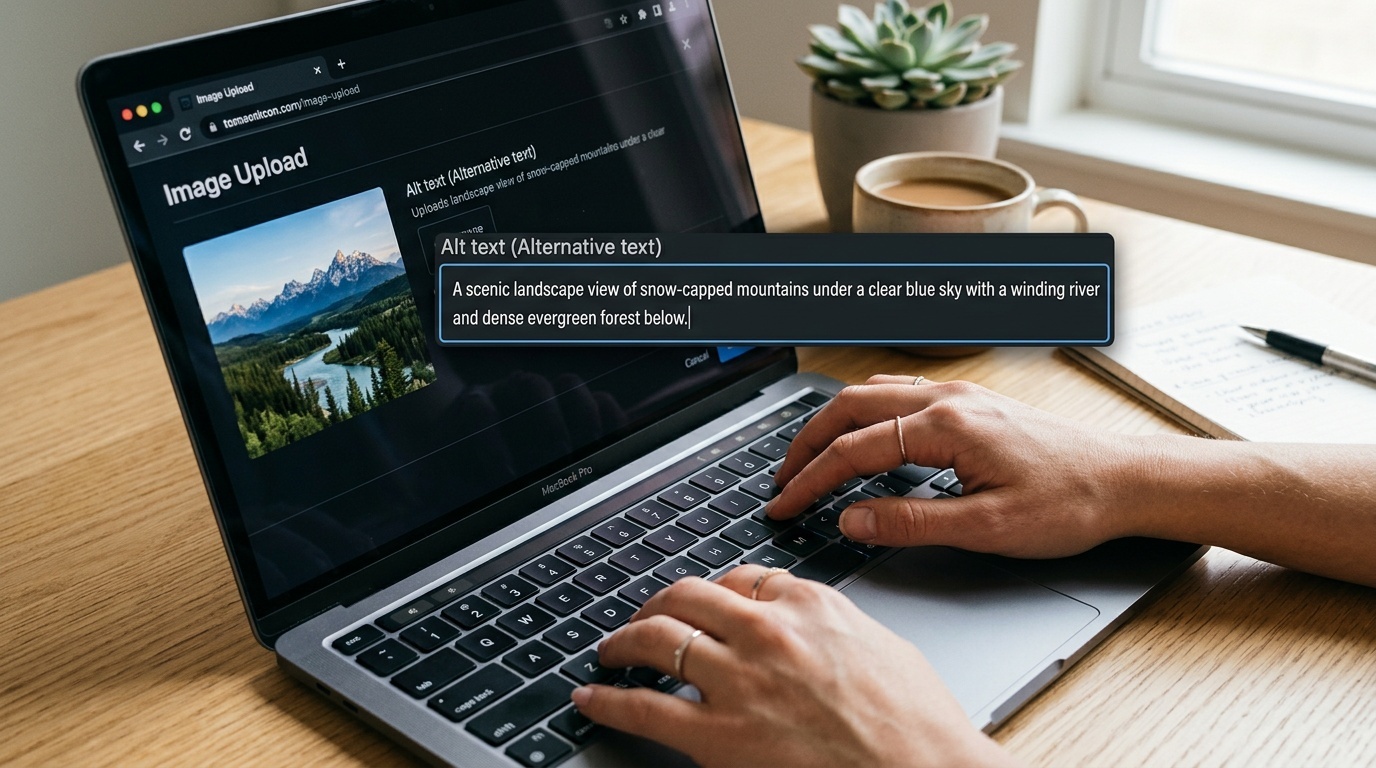
Table of contents
Why alt text still matters
Alt text has been part of the HTML spec since 1995. Thirty years later, most images on the web still have either no alt attribute, or alt text that reads like it was written by someone who has never used a screen reader.
The problem isn't awareness anymore. Most content management systems now make the alt field mandatory. The problem is that alt text has become a compliance checkbox rather than a communication tool. People write "image of a person smiling" when the actual context is "CEO announcing Q4 earnings."
Alt text exists for one reason: to convey the purpose of an image to someone who cannot see it. That purpose changes depending on context. A photo of a coffee cup on a café's homepage serves a different function than the same photo in a blog post about ceramic glazing techniques.
In 2026, we also have AI tools that can generate alt text automatically. These tools are getting better, but they still don't understand context. They describe what they see, not why the image is there.
The decision tree: Does this image need alt text?

Not every image needs descriptive alt text. Some images are decorative. Some are redundant. Some are better served by captions or surrounding text.
Here's the decision process:
Does the image convey information that isn't available in the surrounding text? If yes, it needs alt text. If no, it's probably decorative.
Would a blind user miss something important if this image vanished? If yes, write alt text. If no, use an empty alt attribute (alt="") to tell screen readers to skip it.
Is the image a link or button? The alt text becomes the link text. Describe the destination, not the image. "View pricing plans" is better than "arrow icon."
Is the image complex—a chart, diagram, or infographic? Alt text has practical length limits (around 125 characters is comfortable for most screen readers). Complex images need longer descriptions, either in a caption, in the body text, or via aria-describedby.
What good alt text actually sounds like

Good alt text is specific, concise, and context-aware. It answers the question: Why is this image here?
Bad: "Image of a graph"
Better: "Line graph showing 23% increase in mobile traffic from January to March 2026"
Bad: "A person using a laptop"
Better: "Designer reviewing website mockups in Figma"
Bad: "Click here"
Better: "Download the full accessibility audit checklist (PDF)"
Notice that good alt text often includes numbers, actions, or outcomes. It doesn't describe every visual detail. It describes what matters.
For decorative images—hero background textures, ornamental borders, purely aesthetic illustrations—use alt="". This is not laziness. It's semantic honesty. Screen readers will skip the image entirely, which is what you want.
Common mistakes that waste everyone's time

Starting with "Image of" or "Picture of": Screen readers already announce that it's an image. Jump straight to the description.
Keyword stuffing for SEO: Alt text is not a place to cram "best organic coffee beans Brooklyn artisan roasted." Google's image search has been good at detecting this for years. Write for humans.
Describing the file name: "IMG_3847.jpg" helps no one. Neither does "hero-banner-final-v3."
Writing a novel: If your alt text is longer than two sentences, the information probably belongs in a caption or the body text instead.
Repeating adjacent text: If the heading says "How to bake sourdough bread" and the image shows someone shaping dough, the alt text doesn't need to repeat the heading. Describe what's visually distinct: "Hands folding sourdough dough on a floured surface."
Tools and workflows that actually help
Most modern CMSs now have alt text fields built in. WordPress, Webflow, Contentful, and Sanity all surface the alt attribute prominently during upload. The field being visible doesn't mean it gets filled out well.
If you're auditing a site for missing or poor alt text, browser extensions like Accessibility Insights or axe DevTools can flag images without alt attributes. For a quick manual check, turn off images in your browser (Firefox and Chrome both support this) and read the page. If the alt text makes sense in context, you're doing fine.
AI-generated alt text—available in tools like Azure Computer Vision, Google Cloud Vision, or built into platforms like Cloudflare Images—can be a reasonable starting point, especially for large image libraries. But treat AI alt text like a first draft. It will describe the contents of the image accurately, but it won't know why the image is on the page. A human editor still needs to add context.
If you're working on a site with heavy image use and want to catch performance issues early, tools like Wux Webtools' Image Compressor can help you optimize file sizes before upload—because alt text is only useful if the image actually loads.
Alt text and SEO in 2026
Google has said for years that alt text is a ranking factor for image search. That's still true. But image search optimization is not the same thing as accessibility.
If you write alt text primarily for SEO, you'll end up with keyword-stuffed nonsense that makes the page harder to navigate for screen reader users. If you write alt text for accessibility first, the SEO benefits follow naturally, because descriptive, contextual alt text is exactly what Google's image search algorithm is trying to surface.
One nuance: Google Images now uses surrounding page content much more heavily than it used to. If your alt text is good but generic ("chocolate cake with frosting"), and your page is about vegan baking, Google will understand the context. You don't need to write "vegan chocolate cake with dairy-free frosting" unless that distinction is visually obvious in the image.
Key takeaways
- Alt text exists to convey the purpose of an image, not to describe every visual detail
- Decorative images should use
alt=""so screen readers skip them entirely - Good alt text is specific, context-aware, and answers "why is this image here?"
- AI-generated alt text is a useful starting point but still needs human editing for context
- Write for accessibility first; SEO benefits follow naturally from clear, descriptive text
FAQ
Q: Can I just use AI to generate all my alt text?
A: AI tools are good at describing what's in an image, but they don't understand context. If you're working with hundreds of product images and need a baseline, AI alt text is fine. For editorial content, marketing pages, or anything where the reason the image exists matters, a human needs to review and edit.
Q: How long should alt text be?
A: Most screen readers are comfortable with 125 characters or fewer. If you need more than that, the information probably belongs in a caption, in the body text, or in a longer description linked via aria-describedby. There's no hard technical limit, but longer alt text becomes awkward to navigate.
Q: Do I need alt text for logos?
A: Yes, but keep it simple. If your logo is in the header and links to the homepage, the alt text should be your company name: alt="Acme Corp". Don't write alt="Acme Corp logo" unless the fact that it's a logo is somehow relevant to the context.
Q: What's the difference between alt text and a caption?
A: Alt text is a direct replacement for the image. It's read by screen readers when the image is encountered. A caption is supplementary information, visible to everyone, that adds context or attribution. If you have both, they shouldn't repeat each other.
Q: Should I add alt text to background images in CSS?
A: No. CSS background images are decorative by definition and aren't exposed to screen readers. If a background image conveys important information, it should be an <img> element in the HTML with proper alt text.
Sources
Frequently asked questions
Can I just use AI to generate all my alt text?
How long should alt text be?
Do I need alt text for logos?
What's the difference between alt text and a caption?
Should I add alt text to background images in CSS?
Sources & further reading